Styling
From version 9 onward, the card delegates fine-grained styling to card-mod rather than exposing one config key per color. Two patterns work out of the box.
Whole-card styling with card_mod
For the common case — changing the background and text color of the entire
card — a single ha-card rule is enough. The calendar grid, event
summaries, planner rows, weekday headers, month label, and modal will all
inherit the new text color.
type: custom:atomic-calendar-revive
entities:
  - calendar.family
defaultMode: Calendar
card_mod:
  style: |
    ha-card {
      background-color: #1e293b;
      color: #f1f5f9;
      border-radius: 12px;
      padding: 12px;
    }
This pattern works the same in Event, Calendar, Planner and Inline modes.
Granular styling with custom properties
When different parts of the card need different colors, set the matching custom
properties on ha-card instead. Inner elements pick these up through the
shadow DOM cascade.
Text & calendar grid
Custom property |
Affects |
|---|---|
|
Card name / title in the header |
|
Weekday column headers in Calendar mode (Mo, Tu, We…) |
|
Day numbers inside the grid cells |
|
Month/year label and the prev/next arrows |
|
Event titles in the Calendar-mode day summary |
|
Event description text |
|
Event description font size (e.g. |
|
Calendar grid borders |
|
Background of the day cell you click into |
|
Saturday column background overlay |
|
Sunday column background overlay |
Event row
Custom property |
Affects |
|---|---|
|
“Next event” separator bar (when |
|
Foreground of the running-event progress bar |
|
Background track of the running-event progress bar |
|
Box-shadow of the progress element (e.g. |
|
Color of the map-pin icon next to event locations |
|
Font size of the event location link (e.g. |
Loader, modal & layout
Custom property |
Affects |
|---|---|
|
Spinner track color (visible while events are loading) |
|
Spinner active arc color |
|
Backdrop behind the event-detail modal |
|
Modal body background |
|
Modal border |
|
Modal text color |
|
Modal close (×) button color |
|
Modal close button color on hover/focus |
|
How the card sizes against its parent. Default |
Example
type: custom:atomic-calendar-revive
entities:
  - calendar.family
defaultMode: Calendar
card_mod:
  style: |
    ha-card {
      --cal-weekday-color: var(--accent-color);
      --cal-day-color: #f1f5f9;
      --cal-grid-color: rgba(255, 255, 255, 0.1);
      --cal-active-event-bg: rgba(255, 200, 0, 0.25);
      --cal-weekend-sat-bg: rgba(255, 255, 255, 0.02);
      --cal-weekend-sun-bg: rgba(255, 255, 255, 0.08);
      --cal-host-height: auto;
    }
Mixing both patterns is fine: a blanket color rule for the broad strokes
and a handful of --cal-* overrides for the elements that need to stand out.
Semantic classes on event titles
Every .event-title element carries extra classes that describe the event,
so you can write card_mod rules that depend on event state without DOM-hunting:
Class |
Applied when |
|---|---|
|
The event is an all-day event (Event and Planner modes). In Calendar
mode the day-summary container uses |
|
The event is currently in progress ( |
|
The event is part of a recurring series (Google Calendar
|
|
The view mode rendering this title. |
|
The slugified calendar entity. |
Example — give all-day birthdays a banner background, fade past recurring events, and tint a specific calendar:
card_mod:
  style: |
    .event-title.event-title-fullday {
      background: rgba(255, 165, 0, 0.18);
      padding: 2px 6px;
      border-radius: 4px;
    }
    .event-title.recurring {
      font-style: italic;
    }
    .event-title.cal-family {
      color: var(--accent-color);
    }
Targeting other elements
The card uses descriptive CSS classes throughout (.calDay,
.day-number, .currentDay, .summary-event-div,
.bullet-event-div-accepted etc.) so anything not covered by the custom
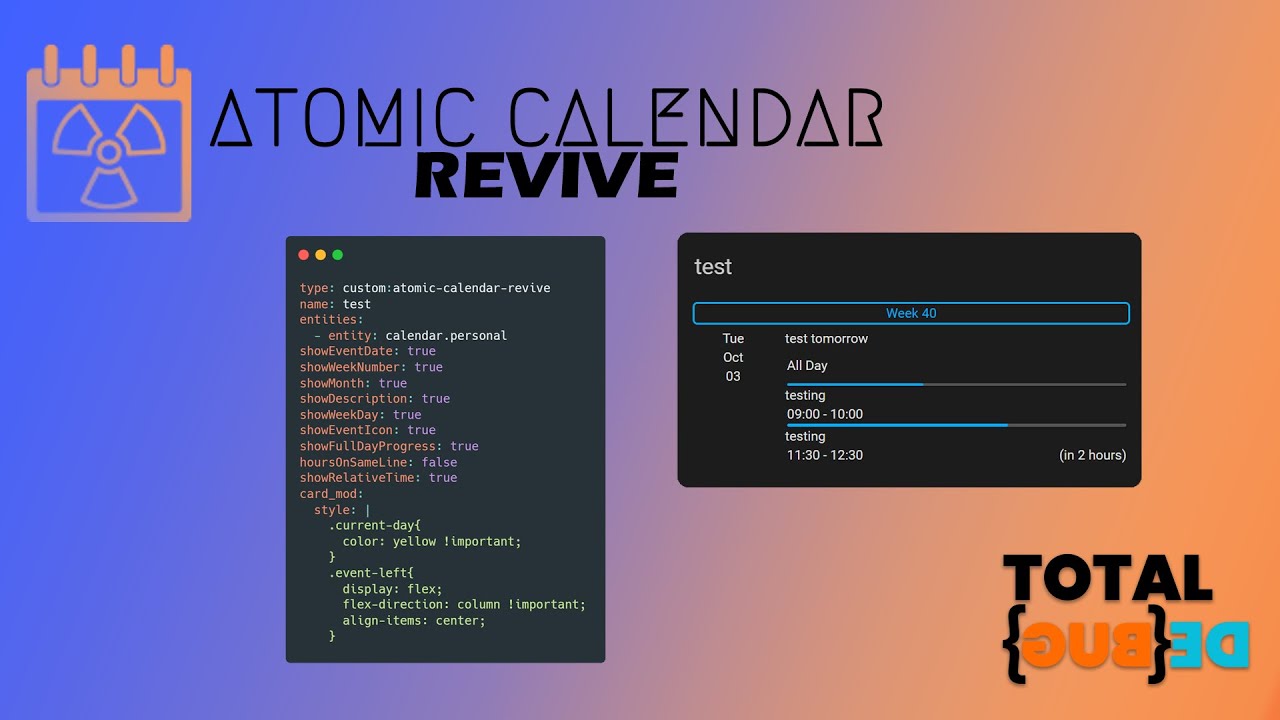
properties above can be targeted with regular card_mod selectors. The video
below walks through finding the right class with browser DevTools.
Note
The video predates the --cal-* custom properties documented above and
demonstrates only the class-hunting approach. That technique is still valid
— and necessary for elements that don’t have a dedicated custom property —
but for most styling needs you’ll get a cleaner result by setting the
relevant --cal-* variable first.
If a class you need isn’t exposed, please open a feature request.